
Train Pergola & Awning Crews Faster: A 3D/AR Onboarding Playbook
A practical playbook for onboarding pergola, veranda and awning installers using real-time 3D, mobile AR and instant branded quotes. Cut ramp time, rework and safety gaps.
Table of contents
- Introduction
- Why modern onboarding matters for outdoor-shade installers
- How a 3D/AR configurator becomes your onboarding engine
- Step-by-step onboarding program you can implement
- Sample curriculum and metrics to measure success
- Concrete examples of training artifacts the platform generates
- Safety, compliance and documentation — a single source of truth
- Implementation tips and common pitfalls
- Why Configurix — practical differentiators for training teams
- Quick rollout checklist (30–90 days)
- Conclusion & next steps
- Sources
Introduction
Skilled installers are the backbone of every outdoor-shade business, yet hiring and training new crew members eats time, money and margin. This playbook shows how companies selling pergolas, verandas and awnings can use a single, integrated 3D/AR configurator + operations platform to compress onboarding from weeks to days — while improving safety, first-time-right installs and documentation for warranty and service.
Configurix combines real-time 3D with mobile AR site previews, automatic pricing, branded PDF quoting, digital contract signing and a shared calendar. That same data feed that powers sales can power training, field guidance and crew certification so every new hire reaches competence faster.
Why modern onboarding matters for outdoor-shade installers
Common problems during ramp-up for new installers:
- Inconsistent measurement and layout methods that cause rework.
- Manual handoffs between sales, scheduling and production that lose spec details.
- Poorly documented installs that complicate warranty claims and service.
- Safety and compliance gaps when training is ad hoc.
Peer-reviewed reviews and industry reports show that computer-aided training and in-situ digital tools improve engagement and technical skill transfer in construction trades — and that AR can accelerate hands-on skill acquisition when used as an in-place guide. (sciencedirect.com)
For regulated trades and general construction work, employers must provide documented, task‑specific training (OSHA 29 CFR 1926 and related standards). Digital training that links to documented site records both satisfies training needs and provides auditable proof of competency. (osha.gov)
Finally, broad industry analysis of digital transformation in construction warns that technology only delivers ROI when it’s paired with upskilling and standardized workflows — exactly what a configurator-driven onboarding program provides. (mckinsey.com)
How a 3D/AR configurator becomes your onboarding engine
Configurix is built to connect sales, production and field teams using the same dataset. Use these platform capabilities to create repeatable, measurable onboarding paths:
- Real-time 3D models: teach components, tolerances and attachment points with interactive models the trainee can rotate and explode in the browser.
- AR site previews on the customer’s real home: teach layout, clearance and sightline checks by placing a live AR render in the trainee’s phone view.
- Automatic pricing and BOM: trainees learn how design choices change material lists and costs, and generate a factory-ready parts pack on the same workflow.
- Branded PDF quotes and checklists: ensure every trainee produces the same high-quality, compliant quote and pre-install checklist.
- Digital contract signing and project timeline: trainees follow the post-sale workflow, assign crews in the shared calendar and document sign-off steps.
For outdoor jobs you’ll want product-specific modules — create role-based lessons for pergolas, verandas and awnings using the exact product families you sell. (See Configurix product modules for pergolas, verandas and awnings.)
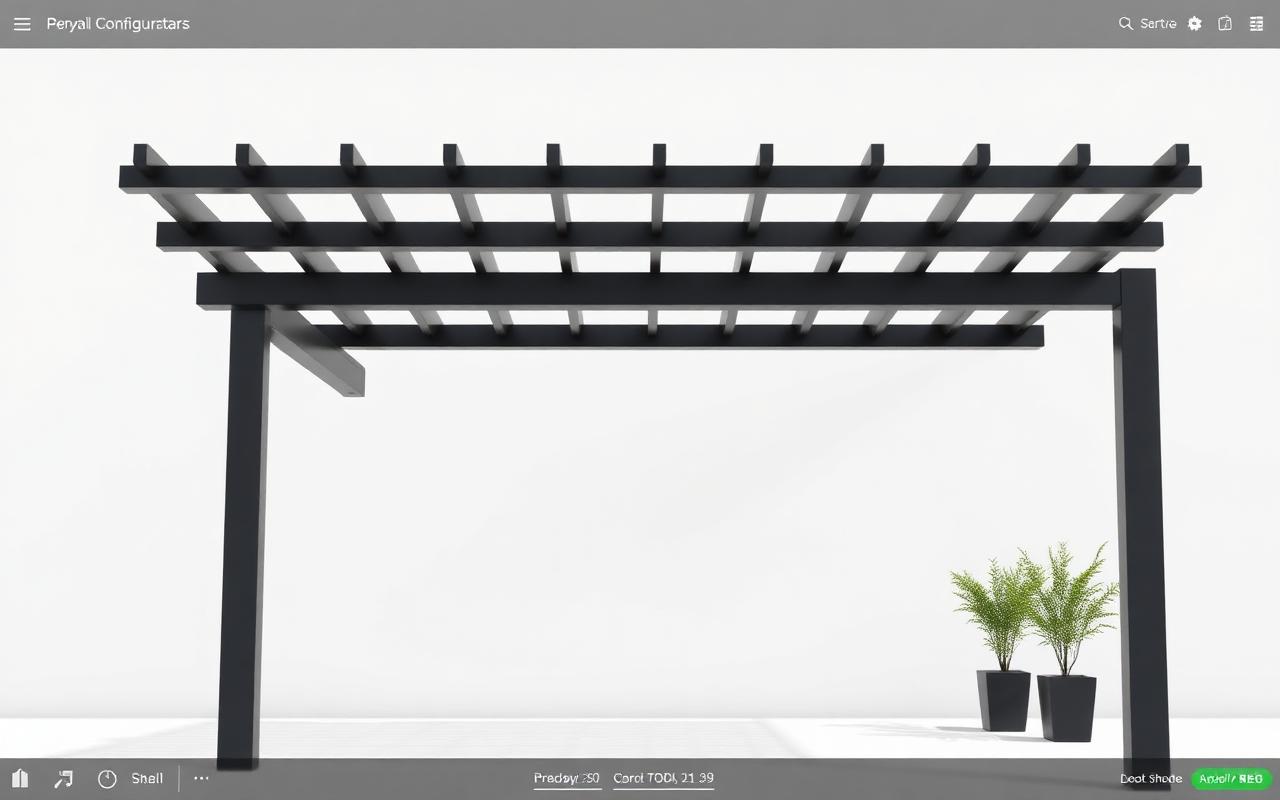
- Pergola training module: use the Pergola Configurator to teach post spacing, beam spans and wind-load clearances.
- Veranda training module: use the Veranda Configurator to cover roof attachment types and guttering options.
- Awning training module: use the Awning Configurator for cassette sizes, motorization and tensioning techniques.
Configurix keeps every module white-label so dealer networks can train to their brand standards while the factory keeps one source of truth.
Step-by-step onboarding program you can implement
-
Role mapping and baseline test
- Define required competencies: measurement, mounting, electrical (if motorized), finish work and customer handover.
- Run a short baseline assessment in Configurix to map each new hire’s knowledge gaps.
-
Micro‑lessons in the configurator
- Create 8–12 short lessons (2–8 minutes each) that mix interactive 3D models, step photos and multiple-choice checks.
- Lessons auto-assign after hiring; completion status syncs to the employee record.
-
AR-guided practice tasks
- Assign at-home AR practice: trainees place a model on a customer photo or in AR and capture annotated screenshots.
- Trainer reviews screenshots in the platform and leaves inline feedback.
-
On-site supervised installs (competency checkpoints)
- Schedule a supervised install in the shared calendar; the trainee follows the digital install pack generated by the configurator.
- Use the project portal to capture photos, attach the signed digital completion certificate and update crew status.
-
Certification and continuous learning
- After passing the on-site checklist, the trainee receives a digital certificate tied to their user profile.
- Use analytics to identify persistent mistakes and push targeted refreshers.
Sample curriculum and metrics to measure success
Curriculum example (first 30 days):
- Week 0: Orientation, safety modules (OSHA topics), platform login and baseline test.
- Week 1: Product modules — pergola structure, veranda framing, awning operation.
- Week 2: AR practice tasks and BOM/pricing exercises.
- Week 3: Supervised installs and crew shadowing.
- Week 4: Independent install with remote trainer review and final assessment.
KPIs to track (dashboard-ready):
- Time to first billable install (goal: reduce by 40–60%).
- First-visit closure rate (signed contract on same visit).
- Install rework rate within 90 days (goal: reduce by 30–50%).
- Time-per-install (efficiency gains as trainees gain competence).
- Safety incidents per 1,000 hours (should trend down with standardized training).
Concrete examples of training artifacts the platform generates
| Artifact | Purpose | Who uses it |
|---|---|---|
| Branded PDF quote with exploded 3D view | Customer-facing pricing & visuals | Sales/Estimator |
| Install pack (BOM + step checklist + on-site AR screenshots) | Crew guidance during install | Installer/Foreperson |
| Digital completion certificate (signed) | Warranty and compliance proof | Office/Admin |
| Training transcript tied to employee profile | HR & compliance audits | HR/Compliance |
All artifacts are generated from the live configuration so there is no mismatch between what was sold, what was produced and what the crew installs.
Safety, compliance and documentation — a single source of truth
Documented training and job records reduce liability and simplify audits. For construction trades, employers need to document task-specific training tied to the hazards present on each job. Using Configurix to produce checklists, signed acknowledgment and photographic evidence at the moment of install creates an auditable trail that maps training -> job -> warranty. (osha.gov)
Industry studies also show that digital training and in-situ guidance improve technical skill transfer and health & safety outcomes in construction settings, especially when lessons replicate the real workplace and remove text-only barriers. That improves both comprehension and retention among trainees. (sciencedirect.com)
Implementation tips and common pitfalls
- Start small: pilot one product family (e.g., pergolas) and one geography, measure KPIs, then scale.
- Pair digital lessons with short, supervised field tasks — AR alone is not enough; it must be tied to an on-site competency assessment.
- Keep lessons short and skill-focused. Micro-learning beats long classroom-style sessions for installers.
- Maintain the configurator dataset as the master: any change to parts, pricing or installation procedure should update lessons automatically.
Why Configurix — practical differentiators for training teams
Configurix is not just a configurator: it’s a lead-to-install operations platform that makes onboarding repeatable and measurable.
- Real-time 3D models and AR on the customer’s actual home let trainees practice in realistic conditions.
- Automatic pricing and BOM generation tie lessons to the exact parts crews will install — no guesswork.
- Branded PDF quotes and digital contracts teach trainees the customer handover sequence.
- Shared calendar, crew assignment and project timeline connect training to actual installs so every lesson ends with a verifiable competency checkpoint.
- White-label capability lets dealers train to their brand and procedures while factories keep the single-source product definitions.
If you want to see how a configurator-driven onboarding program looks in practice, start with a product module like the Pergola Configurator and the Awning Configurator and link training artifacts to live jobs on the platform. Learn more about the platform and company at the Configurix homepage: Configurix.
Quick rollout checklist (30–90 days)
- Week 0–2: Build product lessons and AR practice tasks.
- Week 2–6: Pilot with 3–5 new hires; collect KPIs.
- Week 6–12: Expand curriculum; add supervisor review steps and certification.
- Post-90 days: Review analytics, reduce friction points and roll out across regions.
Conclusion & next steps
A single, product‑centric 3D/AR configurator plus operations platform turns onboarding from a recurring cost center into a scalable, measurable competitive advantage. For pergola, veranda and awning businesses that depend on reliable field teams, Configurix offers the tools to standardize training, reduce rework and speed ramp-up — all while keeping sales, production and crews working from the same dataset.
Ready to shorten ramp time and improve first-time installs? Explore Configurix modules and request a demo via the Pergola Configurator or visit the platform homepage to learn more: Configurix.
Sources
- OSHA — Training Requirements in OSHA Standards (OSHA2254, 2016)
- McKinsey & Company — Decoding digital transformation in construction (2019)
- The Effectiveness of Traditional Tools and Computer-Aided Technologies for Health and Safety Training in the Construction Sector — Systematic Review (2019)
Ready to try Configurix?
See how the configurator, quoting and CRM work together for your business.
Book a demo →Related articles
Precios por zona y logística en configuradores 3D/AR: cotiza y agenda con precisión
Cómo diseñar e implementar tarifas por zona, recargos logísticos y ventanas de instalación dentro de un configurador 3D/AR para pérgolas, toldos y AC — reduciendo errores, evitando pérdidas y garantizando fecha de instalación.
Cotizaciones de aire acondicionado instalables desde 3D/AR: guía práctica
Cómo generar cotizaciones de aire acondicionado 100% instalables desde un configurador 3D/AR: reglas técnicas, datos obligatorios (formulario mínimo), validaciones y entrega automática de la orden para acelerar firma y programación.
Optimiza el widget 3D/AR para duplicar leads en pérgolas y toldos
Guía práctica: cómo colocar y optimizar un widget 3D/AR para pérgolas, verandas y toldos y convertir más visitas en leads cualificados — velocidad, microcopy, formularios, reserva instantánea y cierre digital.