
Close Pergola Deals Faster with 3D Quotes, E‑Sign & Auto‑Scheduling
Turn site visits into signed pergola contracts: use real‑time 3D + AR previews, instant branded PDF quotes with digital signing, automatic pricing and one‑click scheduling to move from lead to install in a single workflow.
Table of contents
- Close pergola deals faster: one workflow from demo to install
- Why a single workflow matters for outdoor installers
- End‑to‑end workflow: from configure to install (step‑by‑step)
- 1) Capture the lead and start the configuration
- 2) Validate on the customer’s home using AR
- 3) Generate an instant, branded PDF quote
- 4) Capture approval with digital signature
- 5) Automate follow‑up and approvals
- 6) One‑click schedule and crew assignment
- 7) Project delivery and documentation
- What this saves you — an operational snapshot
- Concrete Configurix features that make this possible
- Real deployment checklist (what to implement this month)
- Quick FAQ
- Next step (what to ask for in a demo)
- Sources
Close pergola deals faster: one workflow from demo to install
Selling custom pergolas, verandas and awnings means juggling measurements, options, pricing spreadsheets and multiple apps. Configurix removes the friction: real‑time 3D configuration and AR previews feed instant, branded PDF quotes (with 2D plans), digital signature capture, a built‑in CRM and a shared scheduling calendar — all in one platform so your team closes deals faster and avoids rework. (configurix.com)
This post shows the exact, end‑to‑end workflow an installer can adopt today to turn a single customer visit or website lead into a signed job and a scheduled install — with concrete steps, examples and a short ROI table you can use with your team.
Why a single workflow matters for outdoor installers
Typical pain points on a pergola or awning sale:
- Long quote turnarounds while someone rechecks the BOM and pricing.
- Customer uncertainty about how the finished pergola will look on their house.
- Multiple handoffs (sales → admin → scheduler → crew) that lose context and cause errors.
- Missing approvals or unsigned terms that delay installs and cause cancellations.
Configurix eliminates those gaps by keeping design, price, documents and scheduling in one system: every live configuration is tied to the customer record, the branded quote PDF and the project timeline — so approvals, notes and photos travel with the job from quote to install. (configurix.com)
End‑to‑end workflow: from configure to install (step‑by‑step)
1) Capture the lead and start the configuration
- Lead captured via an embedded wizard on your site or collected by a salesperson in the field. Embed the Configurix widget directly on your product pages (for example your pergola or awning pages) so visitors can start a design immediately. (configurix.com)
- Salesperson opens the configurator and sets the structure (attached or freestanding), dimensions, roof type, side screens and finishes in real time.
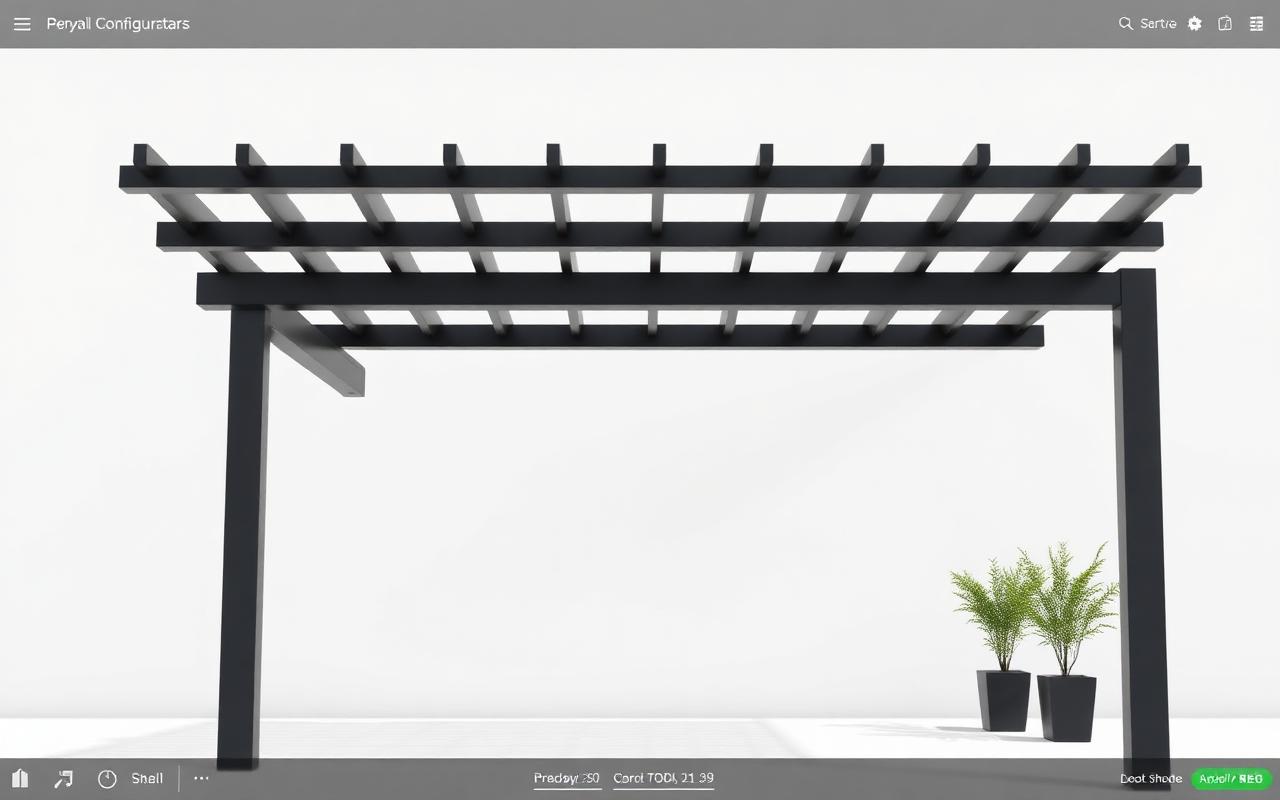
- The configurator renders a photoreal 3D preview in the browser as options change (no offline CAD exports required). (configurix.com)
2) Validate on the customer’s home using AR
- With one tap the customer views the configured pergola on their own house in AR, directly from the browser or the mobile device — removing visual uncertainty and speeding decision‑making. Real‑time visuals make it easy to confirm color, scale and relationship to windows and doors. (configurix.com)
3) Generate an instant, branded PDF quote
- The same live configuration produces a professional, itemized PDF quote with 2D plans and dimension lines, optional photos, and your company branding (logo, colors, terms). The quote is consistent with the live 3D model: what the customer sees is what you build. (configurix.com)
4) Capture approval with digital signature
- Send the branded PDF to the customer or let them sign in the customer portal. Digital contract signing is saved in the project timeline and timestamps approvals so there’s a single source of truth for scope and terms. (configurix.com)
5) Automate follow‑up and approvals
- If the customer doesn’t sign immediately, automated email/SMS/WhatsApp reminders trigger from the CRM timeline so no lead goes cold. You can attach the AR snapshot and a short video walkthrough to the message to jog memory. (configurix.com)
6) One‑click schedule and crew assignment
- Once signed, the project becomes a scheduled job: add a site‑visit or install slot to the shared calendar, assign crews and attach any installation notes or required permits. The crew sees the exact configuration and installation documents in the project timeline. (configurix.com)
7) Project delivery and documentation
- During install crews upload photos and checklists to the project timeline; the customer portal displays status updates. Final sign‑off and handover documents auto‑populate from the original configuration so billing and warranty records are accurate.
What this saves you — an operational snapshot
| Step | Traditional process | Configurix workflow (single system) |
|---|---|---|
| Create quote | 1–3 hours (CAD, spreadsheet, manual PDF) | Under 5 minutes (live 3D → branded PDF). (configurix.com) |
| Visual approval | Paper/phone iterations | Instant AR preview on customer’s home. (configurix.com) |
| Contract capture | Email, print, sign, scan | Digital signing saved to project timeline. (configurix.com) |
| Scheduling | Manual calendar entry, multiple apps | One‑click schedule in shared calendar with crew assignment. (configurix.com) |
| Post‑install documentation | Email attachments, lost files | Photos and reports attached to the job automatically. (configurix.com) |
This table is conservative: the goal is to show where time and error are removed by collapsing multiple tools into one contextual system.
Concrete Configurix features that make this possible
- Real‑time 3D in the browser so salespeople configure accurate builds on the first visit. (configurix.com)
- AR preview on the customer’s actual home to remove visual doubt and speed approval. (configurix.com)
- Automatic pricing rules tied to options so every configuration yields a precise, margin‑controlled price. (configurix.com)
- Branded PDF quotes with 2D plans, line‑item breakdown and your terms for immediate distribution. (configurix.com)
- Built‑in CRM timeline, automated follow‑ups (email/SMS/WhatsApp) and lead capture widgets for web and showroom. (configurix.com)
- Digital contract signing and a customer portal that stores approvals and status. (configurix.com)
- Shared calendar for site visits and install slots, crew assignment and a project timeline for photos and documents. (configurix.com)
If you sell different product lines, publish tailored configurators for each category to your buyers: for example use the pergola configurator and the awning configurator so your website visitors can self‑serve accurate quotes before contact. See /products/pergola-configurator and /products/awning-configurator, or learn more about the platform on the homepage. (configurix.com)
Real deployment checklist (what to implement this month)
- Publish an embeddable configurator widget on your top converting product pages (start with pergolas). (configurix.com)
- Define option pricing rules and margins so automatic pricing matches your cost model. (configurix.com)
- Train sales on the 3D interface and AR preview workflow (15–30 minute session). (configurix.com)
- Configure branded PDF templates with your terms and 2D plan layout. (configurix.com)
- Activate digital signing and create an automated follow‑up cadence for unsigned quotes. (configurix.com)
- Start scheduling signed jobs in the shared calendar and attach pre‑install checklists for crews. (configurix.com)
Quick FAQ
Q: Can customers sign on mobile after seeing the AR preview?
A: Yes — the PDF and customer portal are mobile friendly and support digital signatures so approvals can arrive minutes after the demo. (configurix.com)
Q: Do the quotes include technical drawings installers need?
A: Yes — every quote can include 2D plans with dimension lines and an itemized parts list automatically generated from the configuration. (configurix.com)
Q: How does the platform prevent scope creep and change orders?
A: The signed configuration is the single source of truth: installers view the exact options in the project timeline and every change must pass through the configured quote → updated PDF → re‑sign workflow, preventing undocumented scope changes. (configurix.com)
Next step (what to ask for in a demo)
When you request a demo, ask to see these three things live:
- A full configuration changed in real time and turned into a branded PDF quote in under five minutes. (configurix.com)
- An AR preview placed on a customer photo or live scene from a phone. (configurix.com)
- The signed job converted to a scheduled install with crew assignment and an attached pre‑install checklist. (configurix.com)
If those three steps are smooth, the platform will likely cut your administrative turnarounds, reduce field rework and shorten the sales cycle.
Sources
Electronic Signatures in Global and National Commerce Act (ESIGN Act) — 2000
W3C WebGL Specification (Khronos Group / W3C) — 2011
Ready to try Configurix?
See how the configurator, quoting and CRM work together for your business.
Book a demo →Related articles
Cotiza, firma y programa la instalación: 3D/AR al instante con Configurix
Cierra más ventas en la primera visita: paso a paso desde el configurador 3D/AR hasta la cotización PDF, firma digital y agenda de instalación compartida — todo en una sola plataforma.
Aprobaciones automáticas y descuentos desde un configurador 3D/AR: flujo completo
Cómo automatizar aprobaciones de descuentos y cerrar cotizaciones desde un configurador 3D/AR hasta firma y agenda de instalación — flujo práctico con PDF de marca, firma digital y calendario integrado.
Centraliza fotos y documentos para evitar reclamaciones y retrasos
Cómo un flujo integrado (configurador 3D → cotización PDF → CRM → fotos y documentos → firma digital → calendario) reduce reclamaciones, rework y acelera instalaciones para pérgolas, toldos y AC.