
Config to Factory: Build One Data Pipeline for Outdoor Installs
How manufacturers and dealers turn a 3D/AR configurator into a single data pipeline that creates priced quotes, manufacturing BOMs and install schedules—reducing errors and speeding delivery.
Table of contents
- Why a single configurator-to-factory pipeline matters now
- The 6 outcomes a single data pipeline must deliver
- How the pipeline actually works — step by step
- What data needs to flow between systems (table)
- Common integration pitfalls (and how to avoid them)
- Tech checklist for outdoor-product teams (what to require in a configurator)
- Where Configurix helps immediately (concrete gains)
- Quick implementation plan (90 days)
- Metrics to watch (first 6 months)
- Final checklist before you flip the switch
- Take the next step
- Sources
Why a single configurator-to-factory pipeline matters now
Customers expect immediate, accurate answers online: a visual preview, a price, and a clear installation plan. For outdoor products (pergolas, verandas, awnings, AC installs) that expectation meets complex product rules, permits and site constraints. When the configurator is the single source of truth — feeding quotes, manufacturing BOMs, digital contracts and schedules — you cut rework, prevent out-of-stock surprises and shorten lead time from inquiry to install.
Recent industry analysis shows mobile-first AR previews and integrated configurators are moving from “nice to have” to baseline expectations for 2026. (eyedex.co)
The 6 outcomes a single data pipeline must deliver
- A live, priced quote the customer trusts (and you can brand).
- A manufacturing-ready EBOM and mBOM entry with routings and materials.
- Permit- and site-aware configurations that reduce on-site changes.
- Digital contract signing and deposit capture tied to the exact configured state.
- A shared install calendar and crew assignment driven by the signed order.
- A project record (photos, documents, change log) that follows the job to completion.
All six are possible when the front-end configurator outputs structured data, not just images.
How the pipeline actually works — step by step
H2: 1) Capture the decision with real-time 3D + AR
- Let the buyer build the product in real time (materials, spans, roof type, fabric tensioning) with instant pricing visible on-screen. Real-time 3D removes ambiguity and reduces change requests after sale.
- Offer AR preview on the customer’s home so scale and sight-lines are verified before quoting. Interactive previews increase lead intent and cut the number of “what will it look like” calls. (travvir.com)
H2: 2) Validate product rules and permit triggers in the configurator
- Embed engineering and regional rules into the configuration engine: span limits, required footings, wind/snow class options, and permit triggers (when certain sizes or attachments need local approval). This prevents customers from configuring combinations you can’t manufacture or legally install.
H2: 3) Emit a structured order snapshot (not just a JPG)
- Generate a single structured payload at the moment of quote or signature. The payload should include: selected SKUs, cut lengths, color codes, fabric SKUs, fixings, optional extras, chosen site constraints captured in AR (e.g., setback), price breakdown and revision history.
H2: 4) Auto-create EBOM → mBOM → routing entries
- The configurator should translate the order snapshot into an engineering BOM (EBOM) and a manufacturing BOM (mBOM) with routings and lead times. Automating this step removes manual transcription errors and lets production reserve parts early. Industry research shows automated conversion from configuration into manufacturing documents is now a practical, proven approach for mass-customized production. (aras.com)
H2: 5) Close the sale with branded PDF quote and e-sign
- Deliver a branded PDF quote that matches the on-screen build (photos, dimensions, price breakdown) and allow the customer to e-sign. When the signed quote contains the exact configuration snapshot, downstream systems (ERP, production, scheduling) work from the same record.
H2: 6) Drive scheduling, assignment and field packs
- When payment or signature arrives, the pipeline should automatically create a scheduled install slot, assign crews, and generate install packs (site map, mounting spec, cut lists, fastener lists). The field team gets a mobile-friendly project pack tied to the signed configuration.
What data needs to flow between systems (table)
| Stage | Key data fields emitted | Why it matters |
|---|---|---|
| Configurator (front end) | Config ID, param values, AR site photo, price, options list | Single source of truth for visuals and price |
| Quoting / Contracts | Quote number, PDF snapshot, signature timestamp | Legal record + trigger for production |
| Manufacturing | EBOM, mBOM, cut lengths, surface finishes, routing codes | Drives procurement and shop orders |
| Scheduling | Install date, crew ID, travel time, required equipment | Prevents double booking and missing tools |
| Field pack | Mounting drawing, permit checklist, tension specs, photos | Minimizes on-site decisions and rework |
Common integration pitfalls (and how to avoid them)
- Inconsistent IDs: if the configurator and ERP use different SKU or product IDs, automated BOM creation fails. Use a canonical product catalog and ID mapping layer.
- Late rule changes: rule edits after a quote can make signed quotes inconsistent with production input. Lock the configuration snapshot used for the signed quote.
- Image-only handoffs: sending only images or PDFs to production creates manual work. Always transmit a structured payload alongside any visual assets.
- Treating AR as marketing only: capture site constraints from AR (setbacks, obstructions, slope) as data fields, not just pretty images.
Tech checklist for outdoor-product teams (what to require in a configurator)
- Real-time 3D rendering with parametric geometry (so visuals match engineered outputs).
- Mobile AR preview that can capture a photo+annotation and store it with the order.
- Rule engine that produces both price and BOM outputs automatically.
- Branded PDF generation that pulls in the live configuration snapshot and price.
- E-signature and secure record of acceptance.
- Shared calendar and crew assignment that consume the signed-config payload.
- API endpoints (or native integrations) that push EBOM/mBOM into ERP/MRP or a cloud BOM system.
Configurix implements each of these elements in a single platform: real-time 3D and mobile AR for on-site previews, automatic pricing from the live configuration, branded PDF quoting and digital contract signing, plus a shared calendar and project portal that follows the order through install. (configurix.com)
Where Configurix helps immediately (concrete gains)
- Fewer change orders: a signed configuration that includes AR site captures reduces surprise site adjustments.
- Faster production start: automated EBOM/mBOM creation shortens the handoff from sales to shop floor.
- Reduced admin: branded PDFs + e-sign eliminate paperwork and speed deposits.
- Better install reliability: scheduled installs and field packs tied to the exact configuration reduce missing-parts incidents.
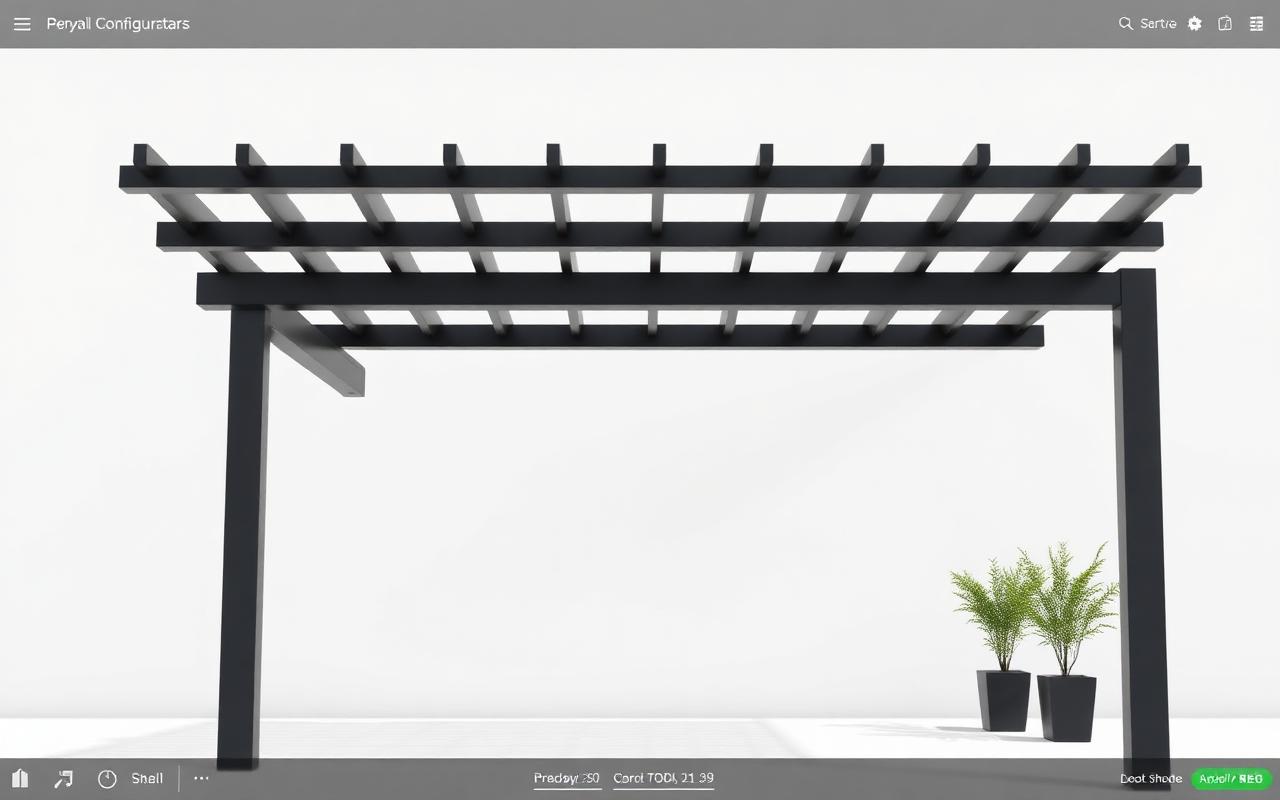
If you sell pergolas, verandas or awnings, the configurator front end is the place to lock in the data that drives manufacturing and installs. See Configurix’s pergola configurator and veranda configurator for examples of how the pipeline looks in practice. Also explore the awning configurator and AC configurator to see how the same pipeline supports different outdoor product families. Links: Pergola configurator, Veranda configurator, Awning configurator, AC configurator.
Quick implementation plan (90 days)
Week 1–2: Map existing data flows and identify SKU/ID mismatches.
Week 3–4: Configure product rules and price formulas in the configurator.
Week 5–8: Publish a live 3D + AR widget on your site for internal testing and collect AR site photos.
Week 9–10: Enable branded PDFs and e-sign; lock snapshot behavior for signed documents.
Week 11–12: Connect configurator output to ERP/MRP or a BOM cloud service; run parallel tests.
Month 4: Launch to customers and monitor KPIs (quote-to-sign, install rework rate, lead conversion).
Metrics to watch (first 6 months)
- Quote-to-sign conversion rate (expect lift from AR-enabled previews). (travvir.com)
- Average days from signed contract to scheduled install.
- Install rework incidents per 100 installs.
- Percentage of quotes that required a site revisit.
- Time saved in BOM creation (hours per quote).
Final checklist before you flip the switch
- Do all signed quotes include the exact config ID and snapshot?
- Does the manufacturing team accept the EBOM/mBOM format exported by the configurator?
- Are permit triggers exposed to the sales user and included in the quote?
- Can your installers access field packs on mobile (offline-capable preferred)?
- Is the customer-facing widget white‑labeled and consistent with your brand?
Configurix is designed to be that single platform: real-time 3D visuals, AR on the customer’s home, automatic pricing from the live configuration, branded PDF quotes, digital contract signing, and a lead-to-install workflow that keeps the same data flowing to production and field teams. See how a single pipeline looks in practice on the Configurix home page. [/]
Take the next step
If you want a turnkey route to a single data pipeline for pergolas, verandas, awnings or AC installs, start with a live demo: Visit Configurix. One short demo will show the pipeline from real-time 3D and AR preview to a branded, e-signed quote and scheduled install.
Sources
- Ecommerce Customization Trends: Data-Backed Insights for 2026 (Eyedex, 2026).
- Virtual Tour Lead Generation: Convert 3× More (Travvir, 2026).
- Configure-to-Order: Efficiently Meeting (CIMdata / Aras eBook, 2025).
- Product Configuration for Manufacturing (ScienceDirect / Production Engineering, 2022).
- Product configurator technology and its applications (NRC Publications Archive, 2005).
Ready to try Configurix?
See how the configurator, quoting and CRM work together for your business.
Book a demo →Related articles
Precios por zona y logística en configuradores 3D/AR: cotiza y agenda con precisión
Cómo diseñar e implementar tarifas por zona, recargos logísticos y ventanas de instalación dentro de un configurador 3D/AR para pérgolas, toldos y AC — reduciendo errores, evitando pérdidas y garantizando fecha de instalación.
Cotizaciones de aire acondicionado instalables desde 3D/AR: guía práctica
Cómo generar cotizaciones de aire acondicionado 100% instalables desde un configurador 3D/AR: reglas técnicas, datos obligatorios (formulario mínimo), validaciones y entrega automática de la orden para acelerar firma y programación.
Optimiza el widget 3D/AR para duplicar leads en pérgolas y toldos
Guía práctica: cómo colocar y optimizar un widget 3D/AR para pérgolas, verandas y toldos y convertir más visitas en leads cualificados — velocidad, microcopy, formularios, reserva instantánea y cierre digital.