3D door configurator for manufacturers

3D door configuration built for manufacturers.

Configurix turns made-to-measure door families, opening dimensions, frames, leaves, panels, glazing, hardware and finishes into a guided 3D sales system—with pricing, quotes and reusable project data connected to the approved design.

Entrance, pivot, sliding, double, internal and garage door families
Rules for dimensions, handing, frames, glazing, hardware and finishes
Customer website, dealer portal, showroom and internal sales workflows
Account pricing, branded quotes and optional order or BOM handoff
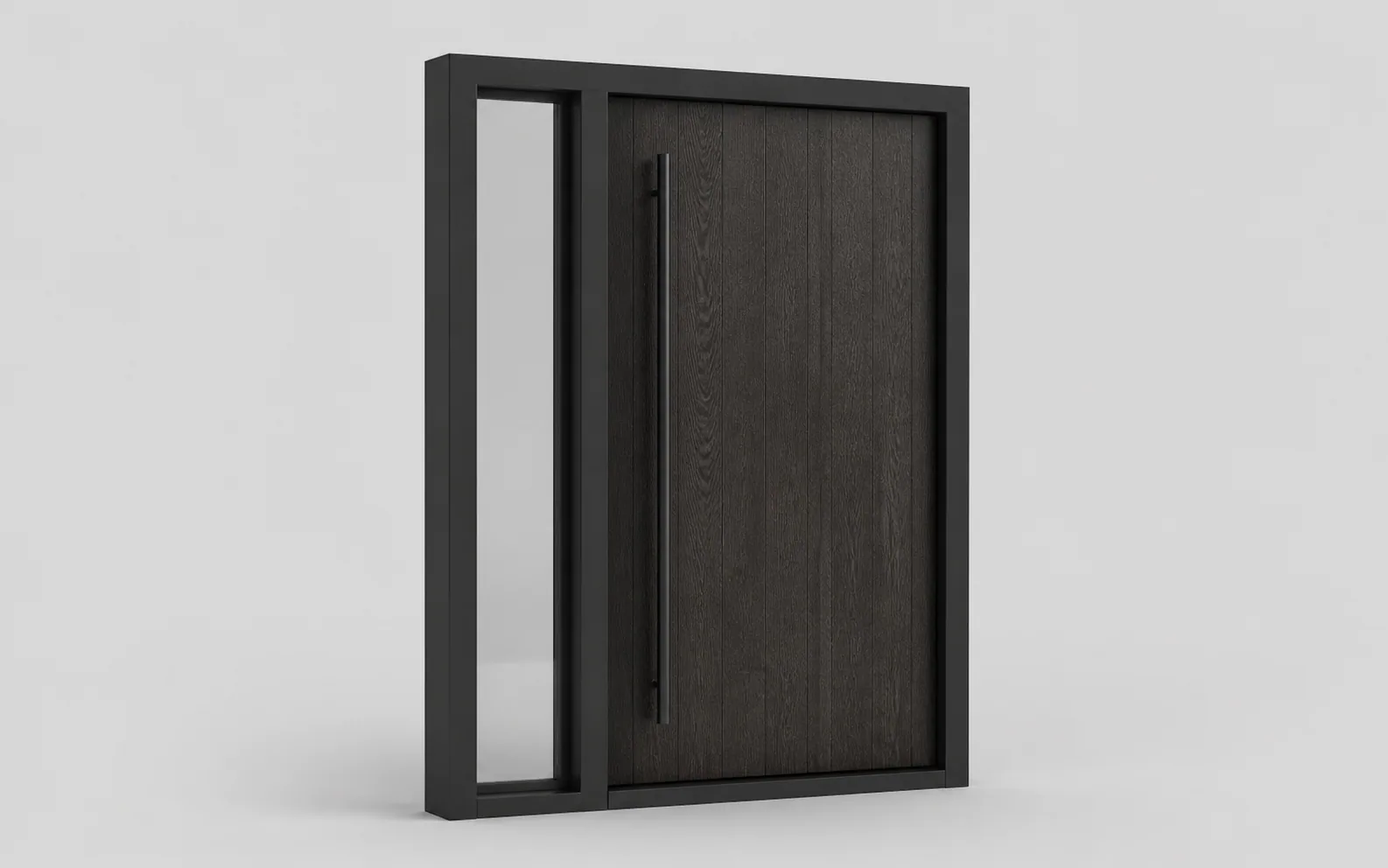
Isolated illustrative modern entrance-door product render

Connected door workflow

The configured opening, price, quote and project record stay connected.

Door configuration software defined

A sellable door system—not a collection of swatches.

A door is defined by the complete opening. Structural size, installation condition, frame, threshold, handing, leaf construction, panel, sidelights, toplights, glass, handles, locks and finish influence which product can be offered and how it should be priced.

A manufacturer-focused door configurator represents those choices as structured product logic. The interface guides a customer or salesperson through the permitted sequence, updates the visible door and retains the selected data instead of producing only a flat preview.

Configurix can use one governed catalogue across a public website, dealer network, showroom and internal sales team. Each user sees the products, language and commercial information appropriate to their role while the underlying door definition stays consistent.

Detailed engineering, certification and production controls remain part of the manufacturer's approved process. Where required, Configurix can pass the accepted configuration and component data into that next stage with explicit fields and acceptance tests.

Model the decisions that make a door valid, priceable and orderable.

The implementation begins with the manufacturer's catalogue and working sales process. Every visible choice, calculation and output should have an owner and a testable rule.

Door families and geometry

Structure the complete opening before presenting decorative choices.

  • Entrance, pivot, internal, sliding, double and garage door families
  • Width, height, increments, opening layout and installation conditions
  • Single leaf, double leaf, sidelights, toplights and multi-part openings

Construction rules

Guide users through combinations the manufacturer has approved to sell.

  • Frame, leaf, panel, threshold and handing dependencies
  • Glass, grille, infill and decorative option compatibility
  • Dimension-driven restrictions, upgrades and review conditions

Hardware and access

Keep visible hardware and functional door equipment connected.

  • Handles, hinges, locks, cylinders and multi-point systems
  • Keypad, fingerprint, smart-access and control packages
  • Hardware sets governed by door family, size and market

Pricing and quotes

Calculate the commercial offer from the same selections shown in 3D.

  • Base, dimension, panel, glass, hardware and finish pricing
  • Dealer tiers, currencies, tax, discounts, delivery and installation
  • Branded estimates, quote revisions and customer approval

Channels and markets

Publish one catalogue through the customer and trade journeys that need it.

  • Website, showroom, dealer portal and assisted sales interfaces
  • White-label branding, languages and market-specific catalogues
  • Assigned products, price lists and permissions by account

Order and system data

Preserve the approved door when the project leaves the configurator.

  • Selected components, dimensions, imagery and quote data
  • Optional bill of materials or order-review handoff
  • CRM, ERP, PIM, ecommerce, API and webhook connections

One connected process

From opening dimensions to an approved door project.

A public buyer, dealer or internal salesperson can use a different level of the same process without recreating the door between systems.

Define the opening

Start with construction

Select the door family, installation condition, dimensions, layout, handing and required side or top elements.

Configure the product

Choose only valid options

Add the permitted panel, glass, hardware, lock, access, threshold and finish for that exact construction.

Build the offer

Price and present

Apply the correct customer or dealer price rules and create a visual estimate or branded quote from the saved door.

Continue the project

Approve and hand off

Retain revisions, approval and structured product data for survey, order review, ERP or production validation.

A door visualizer helps people look. A connected configurator helps them decide and continue.

Both can improve product presentation. Manufacturers should test whether the system also understands the opening, catalogue, price and downstream data they need.

RequirementConfigurix door implementationImage-only door visualizer
Made-to-measure openingDimensions, layouts and construction limits can drive the available configuration.Often displays a standard door image at an approximate visual scale.
Compatibility rulesFrames, leaves, glass, hardware and finishes can be governed as product data.Usually focuses on appearance rather than whether the selected product is valid.
Dealer pricingAccount price lists, currencies, discounts and permissions can be applied by role.Pricing is commonly absent or handled in a separate quotation tool.
Quote revisionThe saved door, specification, price and customer record can remain one project.The visual may need to be described or rebuilt in another system.
Order or production handoffAccepted fields, component data and integrations can be defined and tested.Normally exports an image or enquiry without a complete product definition.

Door configurator FAQ

Questions manufacturers should answer before choosing software.

Product logic, made-to-measure dimensions, dealer pricing, quotes, integrations, implementation and catalogue ownership.

Continue planning your door configuration platform.

These pages cover the core door product and the technical, commercial and operational decisions behind a manufacturer rollout.

Descubre el sistema en directo

Reserva una demo. Ve Configurix en directo.

Una presentación gratuita y sin compromiso, adaptada a cómo tu equipo configura, presupuesta y entrega.

Reservar una demo
Guía de producto ilustrativo de Configurix con camiseta de la marca

Tu catálogo. Tus reglas. Un único flujo.